

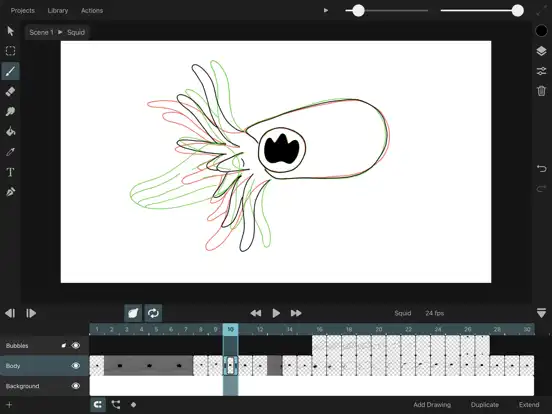
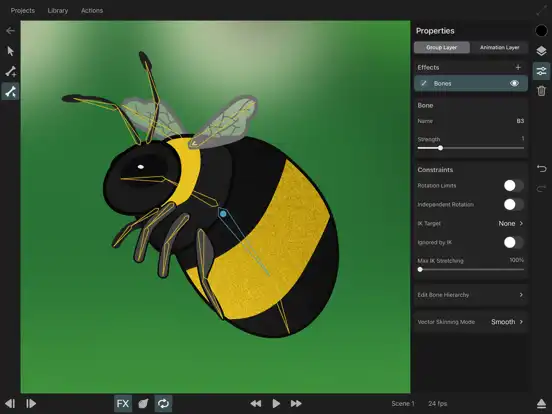
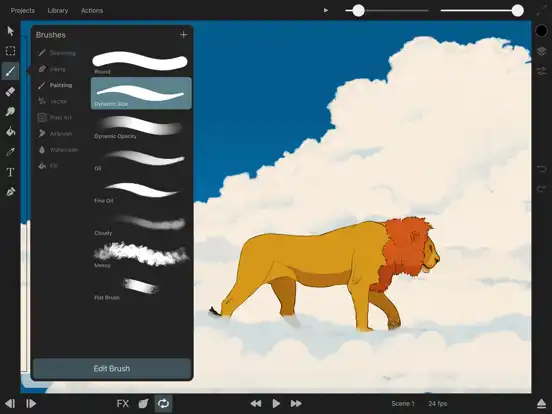
ToonSquid is a powerful 2D animation application designed for iPad. It combines drawing, animation, and editing tools in one workspace, making it suitable for beginners and professional artists alike.
Frame-by-Frame Animation
The app allows users to create smooth frame-by-frame animations with complete control over every frame. Artists can easily add, edit, duplicate, and remove frames while previewing animations in real time.
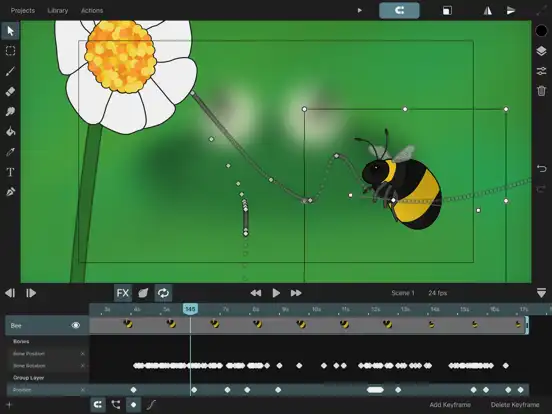
Timeline Editor
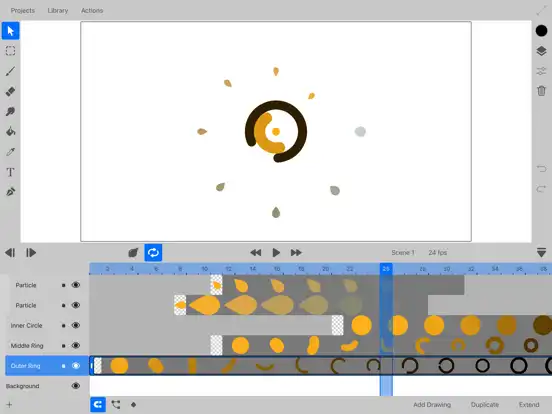
A multi-layer timeline helps organize animation projects efficiently. Users can adjust timing, reorder layers, and edit keyframes with precision.
Drawing Brushes
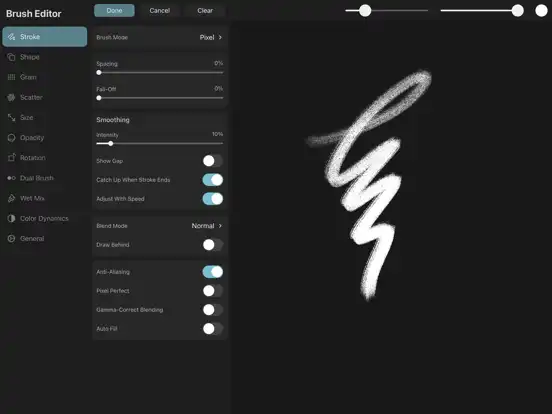
ToonSquid includes a collection of customizable brushes for sketching, painting, inking, and coloring. Brush settings can be adjusted to match different art styles.
Vector and Raster Support
The app supports both raster drawing and vector workflows, giving artists flexibility for different types of animation projects.
Layer Management
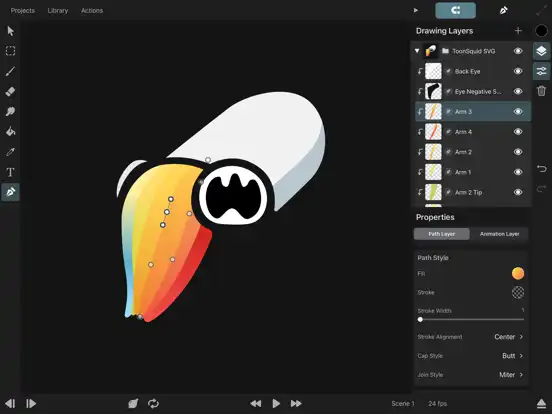
Projects can contain multiple layers for characters, backgrounds, effects, and text. Layer grouping makes complex animations easier to manage.
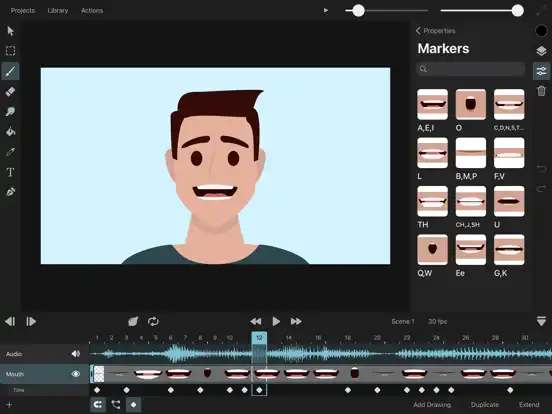
Audio Integration
Users can import audio files and synchronize animations with dialogue, music, or sound effects for professional-quality projects.
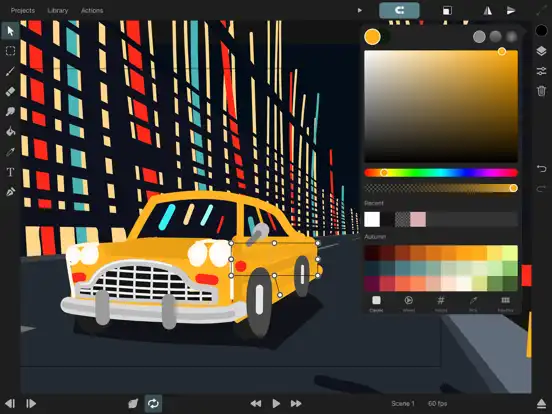
Color Tools
Advanced color wheels, palettes, gradients, and fill tools help create detailed artwork with consistent color schemes.
Transform Tools
Move, rotate, scale, flip, and distort objects without rebuilding artwork from scratch.
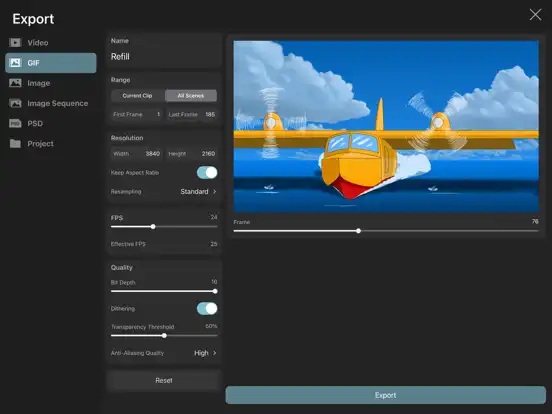
Export Options
Completed projects can be exported in multiple formats suitable for sharing online or continuing work in compatible editing software.
ToonSquid Functions
Create New Projects
Start projects with custom canvas sizes, frame rates, and resolutions.
Draw Characters
Design original characters using professional drawing tools.
Animate Objects
Apply movement using frame-by-frame animation and keyframes.
Import Images
Bring external images into your project as references or backgrounds.
Add Text
Insert titles, captions, and labels using editable text tools.
Edit Frames
Copy, paste, duplicate, and rearrange frames quickly.
Preview Animations
Watch animations instantly before exporting the final project.
Save Projects
Projects are automatically saved, helping prevent accidental data loss.
Download and Install on iPhone and iPad
ToonSquid is officially available through Apple’s App Store. To install it:
- Open the App Store on your compatible device.
- Search for ToonSquid.
- Purchase the app if required.
- Tap Get or the download button.
- Wait for installation to complete.
- Launch the app and begin creating your first animation project.
Is ToonSquid Supported on the Latest iOS Versions?
Yes. ToonSquid is regularly updated to support recent iPadOS versions. For the best experience, keep your device updated and install the latest version of the app from the App Store. Availability and minimum system requirements may vary depending on the release.
Frequently Asked Questions
Is ToonSquid free?
No. ToonSquid is a paid application available through the Apple App Store.
Can beginners use ToonSquid?
Yes. The interface is approachable for beginners while offering advanced tools for experienced animators.
Does ToonSquid support layers?
Yes. Multiple layers are fully supported for drawing and animation.
Can I export videos?
Yes. Finished animations can be exported in supported video formats.
Does ToonSquid work offline?
Most drawing and animation features work without an internet connection after the app is installed.
Is ToonSquid available for iPhone?
Availability depends on the developer’s supported devices. Check the App Store listing for the latest compatibility information.
Can I import audio?
Yes. Audio can be imported to help synchronize animations with music or dialogue.
Conclusion
ToonSquid is one of the most capable 2D animation apps available for Apple devices, offering professional drawing tools, frame-by-frame animation, layer management, audio support, and flexible export options. Whether you’re learning animation or creating professional projects, the official ToonSquid app provides a smooth and feature-rich creative experience on compatible iOS and iPadOS devices.