

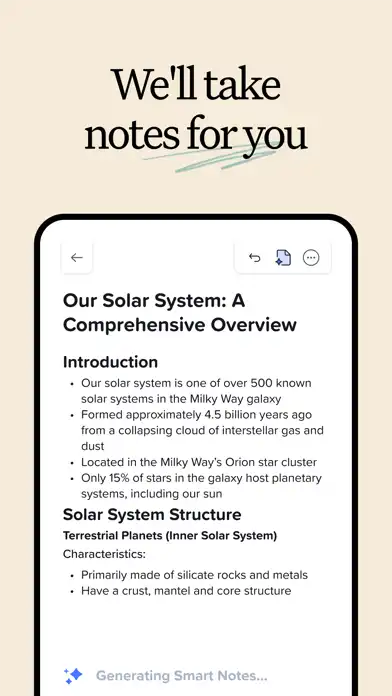

Notability Notes, PDF is a productivity and note-taking app designed for iPhone and iPad users who want to write, type, draw, organize documents, and work with PDFs in one place. Developed by Ginger Labs, the app combines handwritten notes, typed text, digital ink, document annotation, audio recording, study tools, and AI-powered features. It is particularly useful for students, teachers, professionals, researchers, and anyone who regularly works with digital documents.
The app supports importing PDFs, lecture slides, textbooks, presentations, and other documents so users can write directly over their material. It also provides folders and subjects for organization, while search tools can help users locate handwritten or typed information.
Notability Notes, PDF Features
Handwritten and Typed Notes
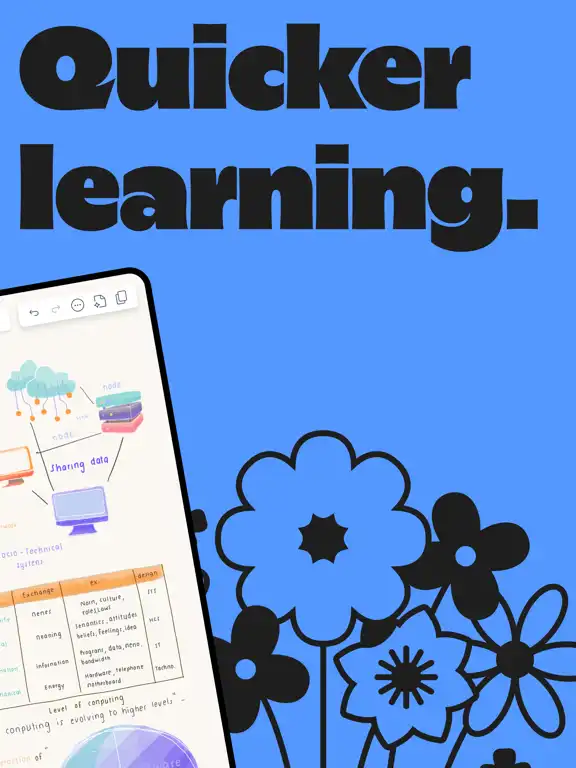
Notability lets users create notes using handwriting, typing, sketching, digital ink, highlighters, and text tools. You can switch between handwriting and typing while working on the same page, making it suitable for both traditional note-taking and structured digital documents.
PDF Annotation
PDF support is one of the app’s important functions. Users can import textbooks, assignments, lecture slides, reports, and other PDF documents and annotate them directly. Highlights, handwriting, drawings, and other markup tools can be used to emphasize important information.
Apple Pencil Support
On compatible iPad models, Apple Pencil makes handwritten note-taking feel natural. Users can write, sketch, highlight, select content, and interact with supported Apple Pencil features. Recent versions also include improvements involving Apple Pencil Pro gestures.
Audio Recording and Transcription
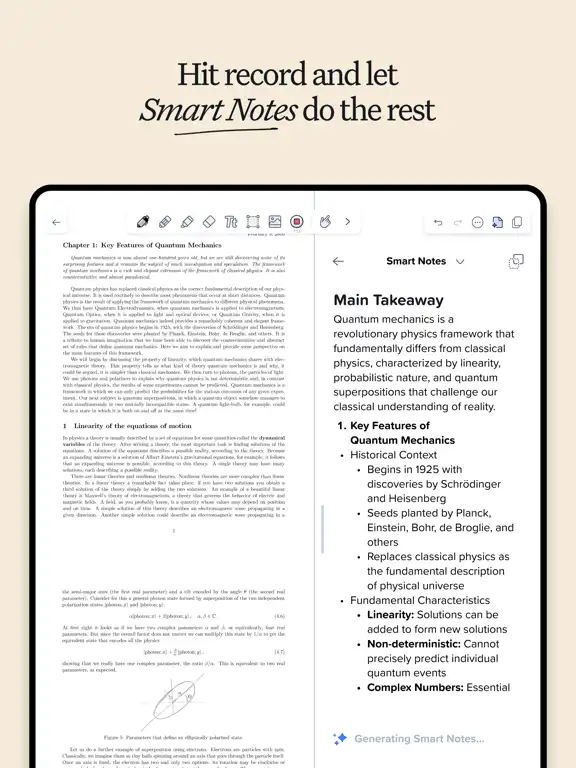
Notability can record lectures and meetings while connecting audio with notes. This means users can revisit recordings alongside the notes they created. The app also provides live transcription features and can generate summaries through supported plans and features.
Searchable Notes
Searching becomes easier because Notability can work with typed notes, handwriting, transcripts, and PDFs. This can be useful when you have a large collection of class notes, meeting documents, or study materials and need to find specific information quickly.
Note Organization
The app provides customizable folders and subjects to help users arrange their content. Students can create separate areas for different subjects, while professionals can organize notes around meetings, projects, clients, or documents.
Images, Diagrams, and Sketches
Users can combine handwriting, typed text, images, diagrams, and sketches on the same page. This makes the app useful for visual notes, brainstorming, project planning, and educational material.
Templates and Note Design
Notability provides templates and a Gallery for creating structured notes. Users can select layouts that suit different types of work instead of starting every document from a completely blank page.
Study Tools
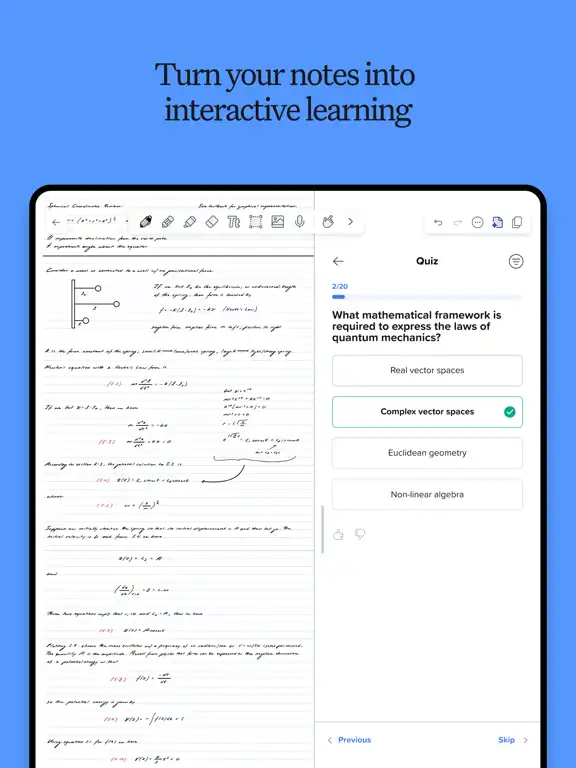
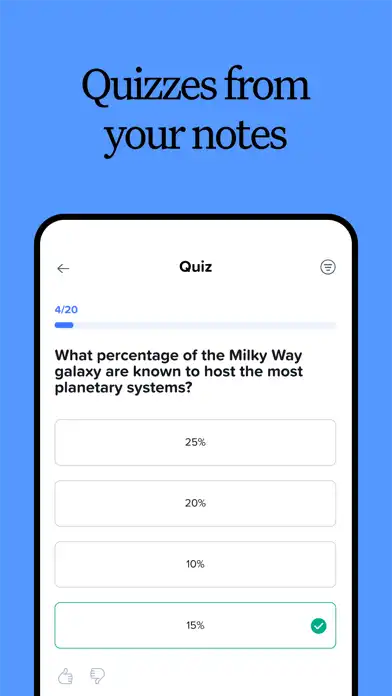
Notability includes study-oriented features such as quizzes, flashcards, and learning tools. Its Learn system provides different study modes, while flashcard support can help users review information through active recall.
AI-Powered Learning
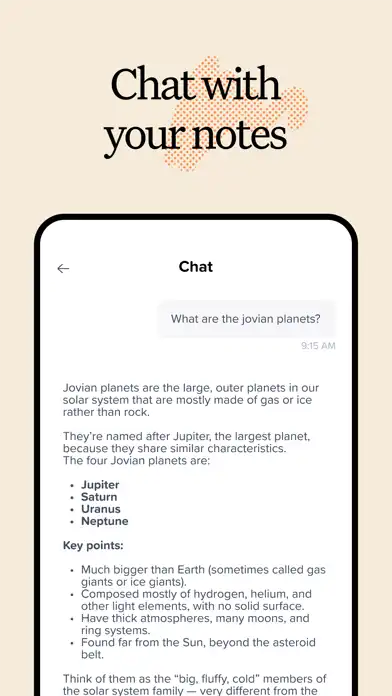
Supported plans include AI-powered productivity and study features. Depending on the available plan and feature, users can interact with notes, generate study material, and use AI-assisted learning tools.
Presentation and Collaboration
Notability can be used to present notes and documents in full-screen mode. It also provides sharing and collaboration features, allowing users to distribute notes or work with others on supported content.
Functions, Installation, and iOS Support
Main Functions
Notability combines several everyday productivity functions into one application:
- Create handwritten and typed notes.
- Draw diagrams and sketches.
- Highlight and annotate documents.
- Import and work with PDFs.
- Record lectures and meetings.
- Use audio transcription features.
- Search notes, handwriting, PDFs, and transcripts.
- Organize content with folders and subjects.
- Import study materials.
- Create and review flashcards.
- Use quizzes for study practice.
- Share notes and export documents.
- Work across supported Apple devices and the web.
- Use templates for different types of notes.
- Present notes and documents in full screen.
- Work with multiple notes side-by-side on supported devices.
Premium Features
The title of this post does not specify “MOD” or “Premium,” so there is no MOD version being presented here. However, the official App Store listing shows that Notability is free to download with in-app purchases and offers paid plans such as Plus, Pro, Lite, and Classic.
Depending on the plan, paid features can include unlimited note-taking, AI productivity and study tools, handwriting recognition, math conversion, live audio transcripts, automatic backup, and iCloud sync. Availability can vary by plan and region.
How to Download and Install on iPhone
The official App Store is the recommended way to install Notability on an iPhone.
- Open the App Store on your iPhone.
- Search for Notability: AI Notes & PDF app.
- Check that the developer is Ginger Labs, Inc.
- Tap Get or the download button.
- Authenticate with Face ID, Touch ID, or your Apple Account password if requested.
- Wait for the installation to finish.
- Open Notability and follow the setup instructions.
- Sign in or create an account if required.
- Create a new note or import an existing PDF.
The current App Store listing identifies Ginger Labs as the developer and lists Notability in the Productivity category.
How to Download and Install on iPad
The process is similar on iPad:
- Open the App Store.
- Search for Notability.
- Open the official listing from Ginger Labs.
- Tap Get.
- Complete Apple authentication if requested.
- Wait for the app to install.
- Launch Notability.
- Set up your account and preferences.
- Start creating notes or importing documents.
Notability is available for both iPhone and iPad, with iPadOS support listed separately in the App Store compatibility information.
Is Notability Supported on the Latest iOS Versions?
Yes. The current App Store listing requires iOS 17.5 or later for iPhone and iPadOS 17.5 or later for iPad. The listing also shows recent 2026 updates, including version 16.12 and newer releases with improvements to AI learning, handwriting search, PDFs, Apple Pencil functionality, and general performance.
Because Apple and Notability can change system requirements with future releases, users should check the current App Store compatibility section before updating or installing the application.
FAQs About Notability Notes, PDF IPA
Is Notability free on iPhone?
Notability can be downloaded for free, but it offers in-app purchases and paid plans with additional features.
Can Notability edit and annotate PDFs?
Yes. Users can import PDFs and mark them up with handwriting, highlighting, text, drawings, and other supported annotation tools.
Can I use Notability on iPad?
Yes. Notability is available for iPad and supports iPadOS 17.5 or later according to the current App Store listing.
Does Notability support Apple Pencil?
Yes. Notability supports handwriting and drawing with Apple Pencil on compatible iPad models, with recent updates adding further Apple Pencil-related improvements.
Can Notability record audio?
Yes. Audio recording is available for lectures and meetings, and supported features can connect recordings with notes and provide transcription capabilities.
Can Notability convert handwriting to text?
Handwriting recognition is available as a paid feature according to the current App Store description.
Does Notability have AI features?
Yes. Current versions include AI-powered study and productivity features, including learning tools and the ability to interact with notes, depending on the user’s plan and available features.
Can I sync Notability between iPhone and iPad?
Notability supports access across supported devices, including iPhone, iPad, Mac, and the web. Sync and backup functionality can depend on the account and subscription plan.
Who should use Notability?
Notability can be useful for students, teachers, professionals, researchers, meeting participants, and anyone who wants to combine handwritten notes, typed information, PDFs, images, and audio in one workspace.
Conclusion
Notability Notes, PDF is a versatile iOS productivity application that brings digital handwriting, typed notes, PDF annotation, audio recording, document management, and study tools together. Its combination of Apple Pencil support, searchable notes, folders, templates, transcription, AI-powered learning, and cross-device access makes it suitable for both academic and professional workflows.
For iPhone and iPad users, the safest installation method is the official App Store. The current listing requires iOS 17.5 or later on iPhone and iPadOS 17.5 or later on iPad, so checking the latest App Store requirements before installation is recommended.