


ChatGPT is an AI-powered assistant designed to help users with writing, learning, brainstorming, coding, translation, research, and everyday questions. The official ChatGPT app for iPhone and iPad is developed by OpenAI and provides a mobile interface for accessing ChatGPT from an Apple device. It can understand natural-language instructions and maintain context across a conversation, making it useful for both simple questions and more detailed tasks.
The official iOS application is listed in the Productivity category and supports features such as image generation, voice conversations, photo uploads, conversation history, and access to different capabilities depending on the user’s account and plan. The App Store currently lists the app as free with optional in-app purchases.
The term “Unlocked” is commonly used on third-party websites to describe modified applications, but users should be careful because unofficial IPA files may not be distributed or supported by OpenAI. For security and account protection, the safest option is the official application from the App Store.
How to Use ChatGPT on iPhone
Using ChatGPT on an iPhone is straightforward. After installing the official app, open it and sign in using your existing ChatGPT account or create an account if required. Once inside the application, type a question or instruction into the message field and send it.
You can make your requests more specific by explaining exactly what you need. For example, instead of asking for “an article,” you can request an SEO article with a specific word count, headings, tone, and target audience. ChatGPT can then generate an answer based on those instructions.
Your previous conversations can also be accessed through the sidebar. OpenAI’s iOS FAQ confirms that conversation history is available from the app’s sidebar.
Chat and Conversation Functions
The main function of ChatGPT is interactive conversation. You can ask follow-up questions without repeating the entire context because the assistant can use previous turns in the same conversation.
This makes the app useful for research, studying, troubleshooting, planning, writing, and brainstorming. You can also start separate conversations for different projects so that topics remain organized.
Writing and Rewriting
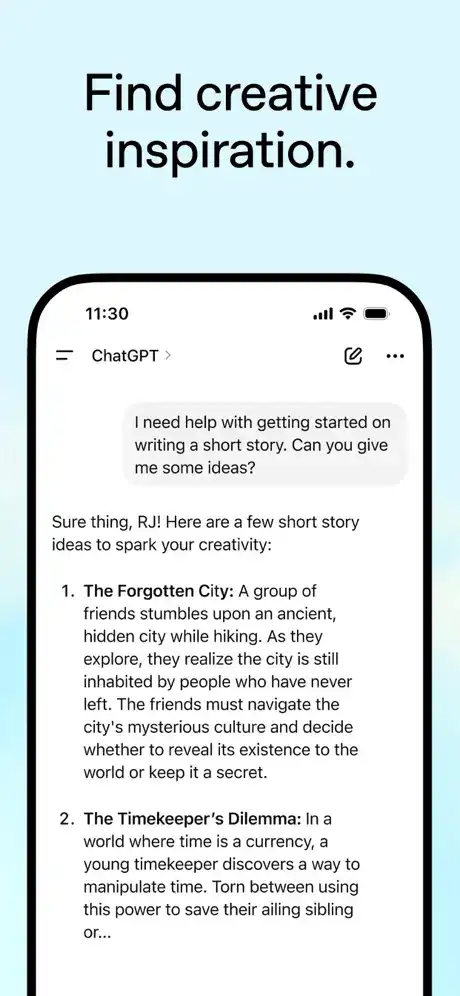
ChatGPT can create and improve many types of written content. It can draft blog articles, emails, social media captions, summaries, product descriptions, scripts, stories, and other text.
It can also rewrite existing text according to instructions such as making it shorter, more professional, easier to understand, or more conversational. This makes the app particularly useful for students, bloggers, creators, and professionals.
Translation and Language Support
Another useful function is language assistance. ChatGPT can translate text between many languages and can help explain grammar, vocabulary, sentence structure, and pronunciation concepts.
The iOS App Store listing currently shows support for English plus many additional languages, including Hindi, Urdu, Bengali, Punjabi, Marathi, Gujarati, Tamil, Telugu, Malayalam, and others.
Image and Photo Features
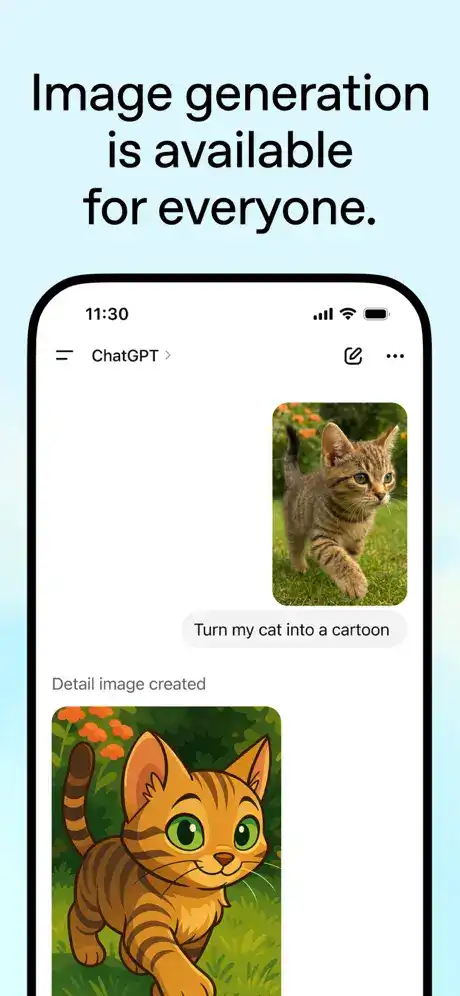
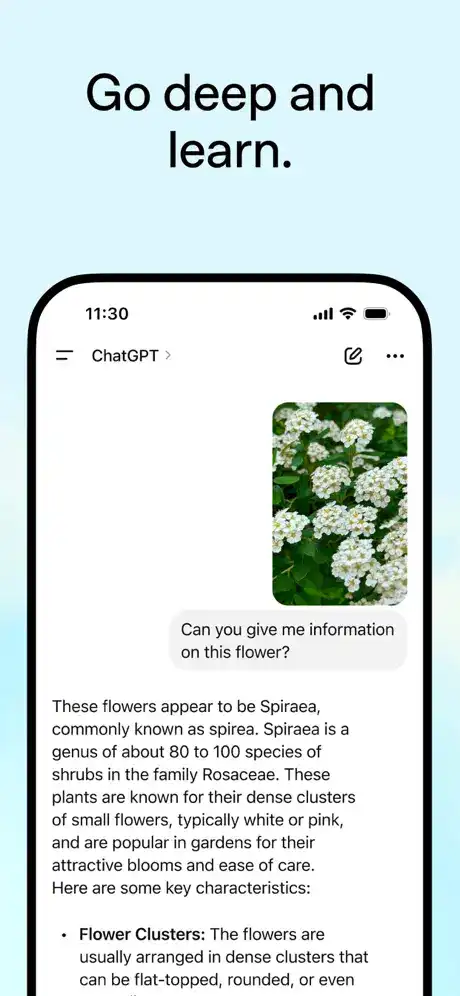
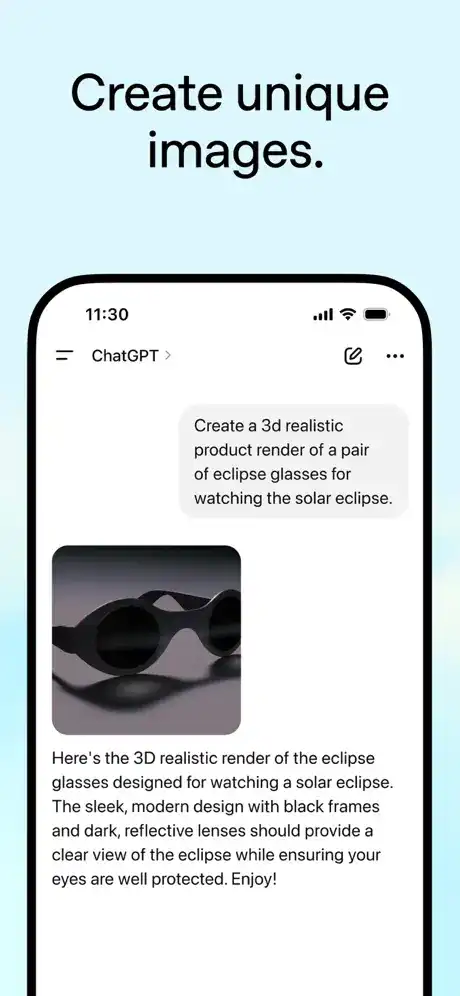
ChatGPT’s iOS experience can work with images in supported configurations. Users can upload photographs or other images and ask questions about their contents. OpenAI also lists image generation as one of the app’s capabilities, allowing users to create original images from descriptions where the feature is available.
This can be useful for understanding visual information, getting feedback on an image, extracting information from photographs, or creating visual concepts.
Voice Conversation
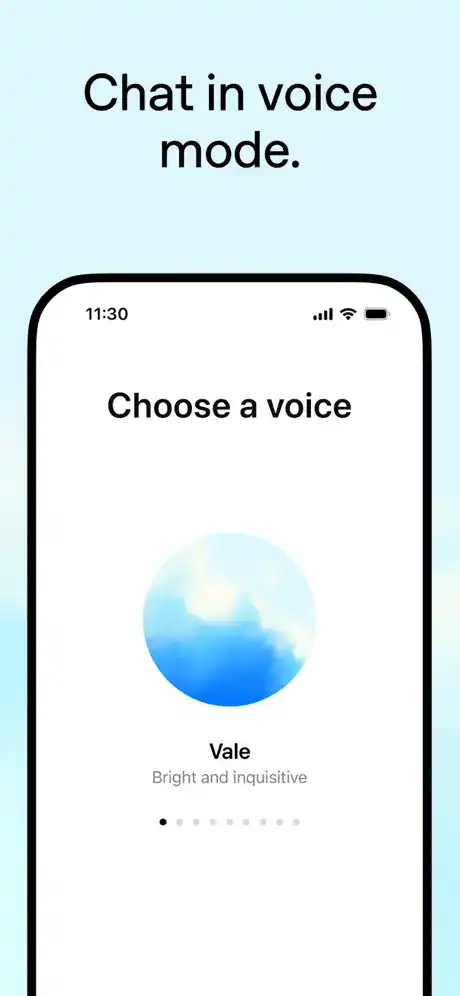
Voice interaction provides another way to communicate with ChatGPT. Instead of typing every question, users can speak naturally and receive a conversational response.
OpenAI’s App Store listing describes Advanced Voice Mode as a real-time conversational feature that can be used for activities such as language practice and everyday discussions.
Search and Research Capabilities
Depending on the account, settings, and available features, ChatGPT can use web search to retrieve recent information. This is particularly useful for questions involving current events, changing information, unfamiliar topics, and source-backed research.
When researching important subjects, users should still check original sources and verify critical information rather than relying on any AI response alone.
Personalization and Context
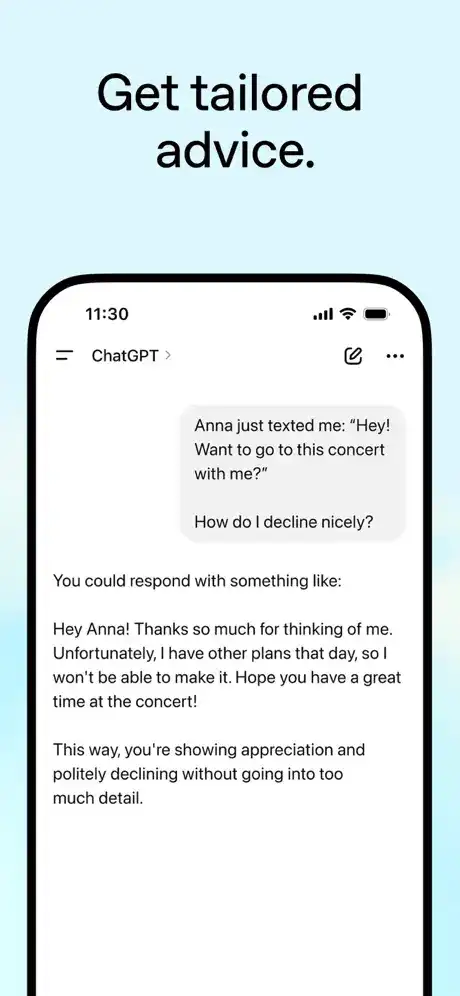
ChatGPT can follow instructions and adapt responses to the context of an ongoing conversation. This means you can establish a preferred writing style or explain the goal of a project and then continue asking related questions.
The ability to maintain conversational context is particularly helpful when working on long documents, studying a subject, developing ideas, or solving a multi-step problem.
Premium and “Unlocked” Features
The phrase “Premium Unlocked” or “IPA Unlocked” should not be interpreted as an official OpenAI feature. The official App Store listing provides the ChatGPT application for free with optional in-app purchases, including subscription plans.
Depending on the plan available to an account, users may receive access to higher limits, additional models, or expanded capabilities. These benefits are controlled through OpenAI’s official account and subscription system rather than through an unofficial IPA modification.
Users should avoid entering their OpenAI credentials into suspicious third-party applications or modified IPA packages because unofficial software can introduce security, privacy, compatibility, or account risks.
Who Should Use ChatGPT?
ChatGPT can be useful for a broad range of iPhone and iPad users. Students can use it to understand difficult concepts, summarize study material, practice languages, and generate ideas. Writers and bloggers can use it for outlines, drafts, editing, and brainstorming.
Professionals can use it for emails, reports, planning, research assistance, and productivity tasks. Developers can also use ChatGPT for programming explanations, debugging assistance, and learning technical concepts.
It is especially useful for users who want an AI assistant available on their phone without needing to open a desktop computer.
ChatGPT iOS Installation Guide
How to Install ChatGPT on iPhone
For the safest installation, download the official ChatGPT application directly from Apple’s App Store. OpenAI specifically recommends searching for “openai chatgpt” and checking that the publisher is OpenAI before installing the application.
Open the App Store, search for ChatGPT, select the application published by OpenAI, and tap the download button. After installation finishes, open the app and sign in with your ChatGPT account.
How to Install ChatGPT on iPad
The official ChatGPT application is also available for iPad. Search for ChatGPT in the App Store, verify that OpenAI is listed as the developer, and install the application.
After opening it, sign in with the same account you use for ChatGPT elsewhere. Your available conversation history and account-based features can then be accessed according to your plan and settings.
Is ChatGPT Supported on the Latest iOS Versions?
Yes. The current App Store listing states that ChatGPT requires iOS 17.0 or later on iPhone and iPadOS 17.0 or later on iPad. It also lists compatibility with Apple Vision at the platform level.
If you are using a newer supported iOS or iPadOS release, the application should meet the listed minimum operating-system requirement. Availability of individual ChatGPT features can vary according to account, subscription, region, device, and OpenAI’s current rollout.
Is an Unofficial ChatGPT IPA Safe?
There is an important distinction between the official ChatGPT application and an unofficial IPA advertised as “Unlocked.” OpenAI directs users to the official App Store application and warns users to make sure the app is published by OpenAI.
An unofficial modified IPA may have been altered by an unknown party. Because of that, users cannot automatically assume that it has the same security, privacy, updates, or functionality as the official application.
Frequently Asked Questions
Is ChatGPT available for iPhone?
Yes. The official ChatGPT application is available through Apple’s App Store and is published by OpenAI.
Is ChatGPT free on iOS?
The official app is listed as free with optional in-app purchases. Some advanced capabilities and higher usage limits may depend on the user’s subscription plan.
Can I use ChatGPT on iPad?
Yes. The App Store lists ChatGPT as compatible with iPadOS 17.0 or later.
What iOS version does ChatGPT require?
The current App Store listing requires iOS 17.0 or later for iPhone and iPadOS 17.0 or later for iPad.
Can ChatGPT generate images?
Yes. Image generation is listed among the ChatGPT iOS app’s capabilities, although availability can depend on the user’s account and current feature access.
Can ChatGPT talk using voice?
Yes. The iOS app includes voice conversation capabilities, with availability depending on the account and current feature access.
Should I download a ChatGPT IPA Unlocked file?
For security and reliability, the official App Store version is the recommended choice. OpenAI specifically advises users to verify that the iOS application is published by OpenAI.
Conclusion
ChatGPT for iOS is a versatile AI assistant that brings conversational AI, writing assistance, translation, image capabilities, photo analysis, voice conversations, and other tools to iPhone and iPad users. Its ability to understand natural-language instructions and maintain conversation context makes it useful for students, creators, professionals, developers, and everyday users.
Although “ChatGPT IPA Unlocked” is a popular third-party search term, it is not an official OpenAI product designation. The official application is available through the Apple App Store, where users can verify OpenAI as the publisher. For the safest experience, users should choose the official version instead of relying on modified IPA files from unknown sources.