
If you enjoy watching live gaming streams, esports tournaments, music performances, or creative content on your iPhone, Twitch is one of the most popular streaming platforms available. The Twitch IPA (Download Clips/Adblock) iOS version includes additional features that many users look for, such as ad blocking and the ability to save clips for offline viewing. These enhancements provide a smoother viewing experience without constantly being interrupted by advertisements.
In this guide, you’ll learn about the features, functions, installation process, iOS compatibility, FAQs, and everything else you need to know about Twitch IPA for iPhone and iPad.
Twitch IPA (Download Clips/Adblock) Features
Ad-Free Streaming Experience
One of the biggest highlights is the integrated ad-blocking feature. It minimizes or removes many in-stream advertisements, allowing you to watch your favorite creators with fewer interruptions.
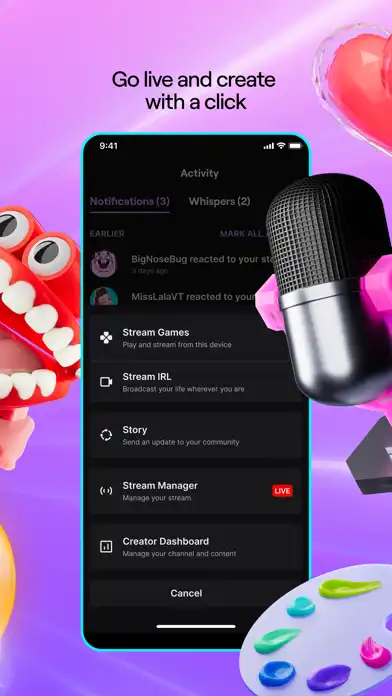
Download Twitch Clips
Users can download public Twitch clips directly to their device for offline viewing or sharing with friends. This makes it easier to keep memorable gaming moments without relying on third-party websites.
High-Quality Video Playback
The app supports multiple streaming resolutions depending on the broadcaster’s available quality settings. Users can enjoy smooth playback on both Wi-Fi and mobile networks.
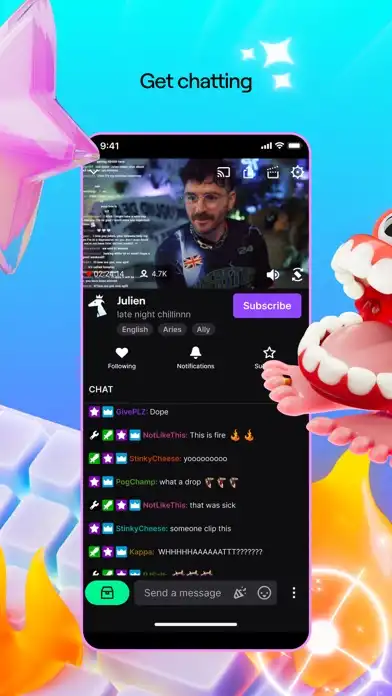
Live Chat Support
Participate in live conversations with streamers and viewers using the built-in chat feature. Send messages, use emotes, and engage with the community while watching streams.
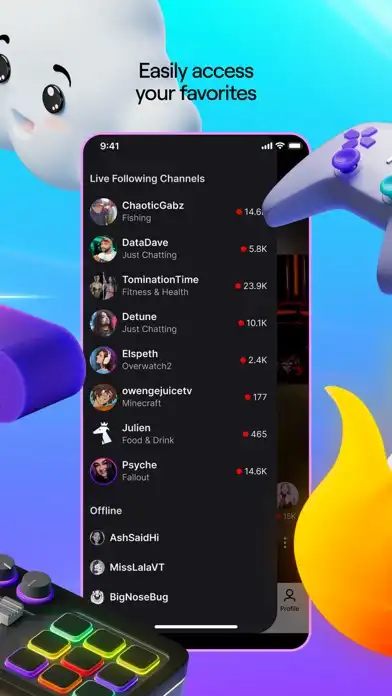
Follow Favorite Streamers
Follow channels you enjoy and receive notifications whenever they go live so you never miss your favorite broadcasts.
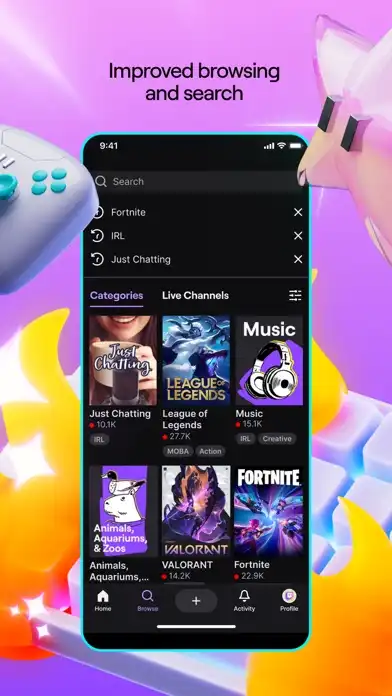
Browse Categories
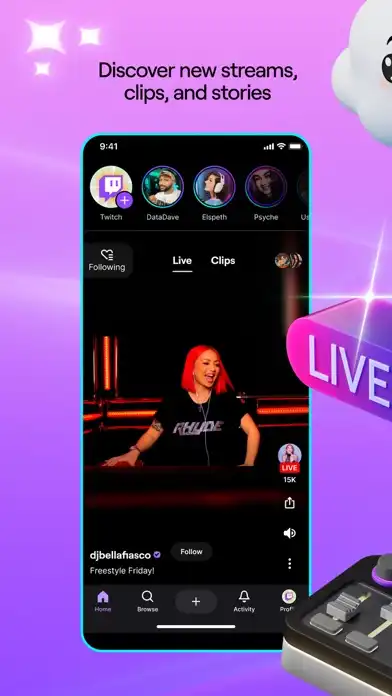
Discover new content by exploring gaming categories, esports events, music, IRL streams, creative broadcasts, and more.
Search Function
Quickly search for streamers, games, categories, and clips using the built-in search tool.
Background Audio
Continue listening to supported streams while using other apps or when your screen is locked.
Dark Interface
The dark-themed interface is comfortable for long viewing sessions, especially during nighttime.
Picture-in-Picture Support
On supported iOS versions, users can continue watching streams in a floating window while using other applications.
Main Functions
- Watch live Twitch streams
- Download public clips
- Block many advertisements
- Chat with viewers
- Follow creators
- Receive live notifications
- Search channels
- Browse games
- Save favorite streams
- Watch VODs
- Stream in different qualities
- Manage subscriptions
- Enable dark mode
- Use Picture-in-Picture
- Share clips with friends
Installation Guide and iOS Compatibility
How to Install Twitch IPA on iPhone and iPad
Installing an IPA file generally requires a compatible sideloading method.
- Download the Twitch IPA file.
- Connect your iPhone or iPad to your computer if required.
- Use a trusted IPA sideloading tool.
- Import the IPA file into the installer.
- Sign the application with your Apple ID or signing certificate.
- Install the app on your device.
- If necessary, trust the developer profile in your device settings.
- Launch Twitch IPA and sign in to your account.
Installation Tips
- Ensure enough storage is available.
- Keep your internet connection stable during installation.
- Use a valid app signing method.
- Reinstall the app if the certificate expires.
Is Twitch IPA Supported on the Latest iOS Versions?
Twitch IPA generally works on many recent iOS releases when signed correctly. Compatibility depends on the specific IPA build and signing method being used. Updated builds usually offer better support for newer versions of iOS and newer iPhone models.
Before installing, always verify that the IPA version you’re using is compatible with your device and current iOS version.
Download Clips/Adblock Functions and User Experience
Download Twitch Clips
The clip download feature lets users save publicly available clips directly to local storage. This is useful for:
- Watching offline
- Sharing highlights
- Creating compilations
Ad Blocking
The integrated ad-block feature aims to reduce interruptions during streams. Actual effectiveness may vary depending on Twitch’s latest changes and the specific IPA build.
Better Viewing Experience
Without frequent ads, users can focus more on gameplay, esports tournaments, podcasts, and creative streams.
Fast Navigation
Menus are organized for quick access to:
- Following
- Browse
- Discover
- Search
- Messages
- Notifications
Personalized Recommendations
The application recommends channels and games based on your viewing history and followed creators.
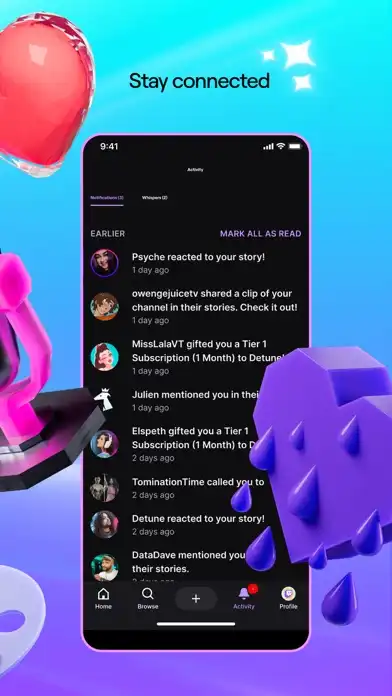
Stream Notifications
Receive alerts whenever your favorite streamers begin broadcasting.
Community Interaction
Join conversations using live chat, react with emotes, and become part of Twitch communities around your favorite games.
Secure Login
Users can log into their existing Twitch account to access subscriptions, followed channels, and personalized recommendations.
Frequently Asked Questions
Is Twitch IPA free?
Many Twitch IPA builds are available without charge, although availability depends on the source providing the IPA.
Can I download Twitch clips?
Yes. This version includes a clip download feature for publicly available Twitch clips.
Does Adblock remove every advertisement?
It attempts to block many advertisements, but effectiveness can vary depending on Twitch updates and the IPA version.
Is it available for both iPhone and iPad?
Yes. Compatible builds generally work on both iPhone and iPad.
Do I need to jailbreak my device?
No. Many IPA files can be sideloaded without jailbreaking, provided you use a compatible signing method.
Will I receive official app updates?
No. Sideloaded IPA versions usually need to be updated manually by installing newer builds.
Can I sign in with my Twitch account?
Yes. Users can generally log into their existing Twitch account and access their followed channels, subscriptions, and settings.
Is it compatible with the newest iOS versions?
Many updated releases support recent iOS versions, but compatibility depends on the specific IPA build.
Conclusion
Twitch IPA (Download Clips/Adblock) iOS offers additional convenience for users who want a smoother streaming experience. Features such as clip downloading, reduced advertisements, live chat, channel following, high-quality playback, and personalized recommendations make it a practical option for Twitch fans. Whether you enjoy gaming, esports, music, or creative streams, this version provides a familiar Twitch experience with added functionality. As with any modified or sideloaded app, compatibility and feature availability may vary between releases, so it’s a good idea to use an up-to-date build and install it using a trusted sideloading method.