


CutStory is a feature-rich video editing and story-making app designed for iPhone and iPad users who want to turn longer recordings into social-media-ready clips. The app combines video trimming, splitting, captions, transitions, templates, music, stickers, AI-assisted editing, and multiple export options in one workflow. It is listed in the Photo & Video category and is developed by Highglossy FZE.
All Features of CutStory Video & Story Editor
Video Trimming and Cutting
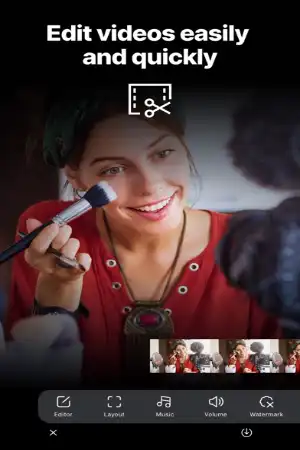
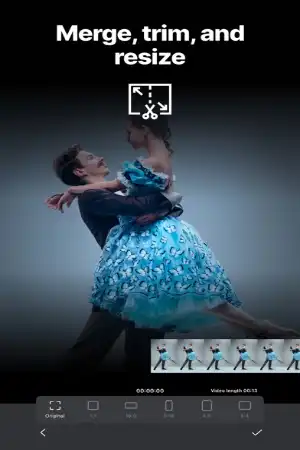
CutStory provides essential editing controls for quickly removing unwanted portions of a video. You can trim the beginning or end, split a long recording into smaller sections, merge clips, duplicate parts, replace clips, and create freeze frames.
Automatic Video Splitting
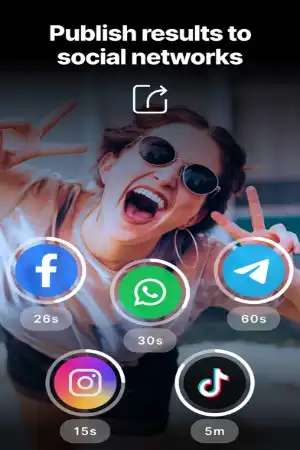
One of CutStory’s main functions is automatically splitting long videos into shorter clips. You can select a social-media preset or specify your own duration, allowing a long recording to be converted into multiple individual video files. The app currently advertises 21 ready-made splitting presets.
Multitrack Timeline
The multitrack timeline lets you combine different types of content in one project. Video, photos, music, voiceovers, text, stickers, and subtitles can be arranged and edited together.
AI Captions and Subtitles
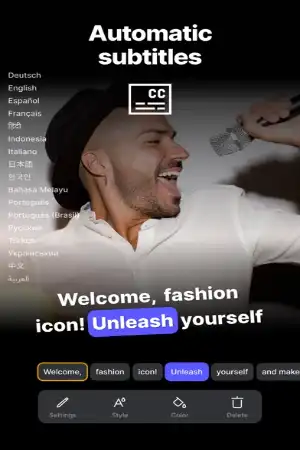
CutStory can generate captions from speech and lets you adjust the resulting subtitles. Users can edit text and timing and customize the recognition language, font, colors, outlines, backgrounds, and animations.
AI Video Editing Assistant
The AI assistant is designed to perform editing tasks from natural-language instructions. For example, you can ask it to add music, apply transitions, split a video into shorter sections, or prepare content for a particular social platform. The App Store listing says the assistant supports 113 editing commands.
Transitions and Video Effects
CutStory includes a large selection of transitions and visual effects. Recent versions have expanded the transition library and added effects such as fades, slides, cube-style transitions, glitches, and other creative looks.
Filters and Color Adjustments
The editor includes color filters and video effects that can be applied to clips to create different visual styles. Users can adjust the appearance of their footage before exporting.
Picture-in-Picture Editing
Picture-in-picture allows a second video or photo to be placed over the main clip. You can move and resize the additional layer directly in the preview and adjust properties such as volume, speed, and opacity.
Text, Stickers, and Animation
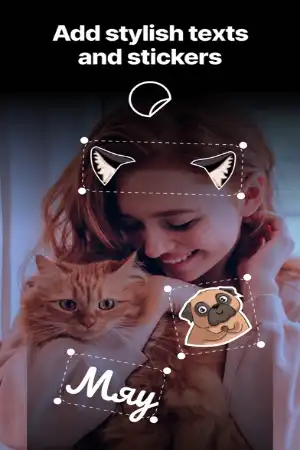
You can add text and stickers to videos and customize their appearance. Animated stickers and text effects can help create more dynamic Reels, Stories, Shorts, and other social-media content.
Templates
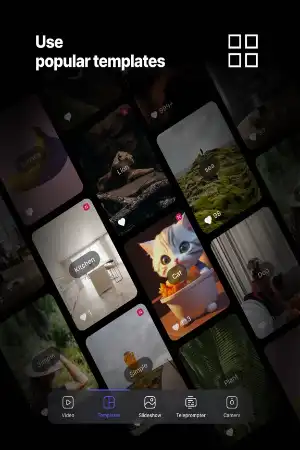
CutStory provides templates for creating videos more quickly. You can insert your own photos and videos into template frames and then modify music, subtitles, stickers, trimming, speed, and other editing elements. You can also save your own projects as reusable templates.
Music and Audio Tools
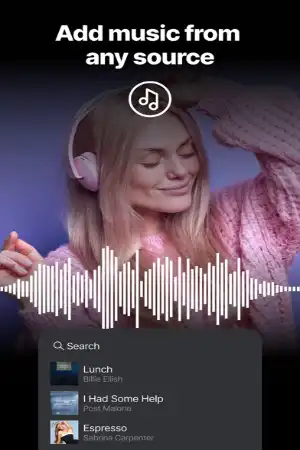
The app supports music tracks, imported audio, voiceovers, and multiple audio tracks. You can control track volume, extract audio from videos, and adjust audio playback speed.
Camera and Recording Tools
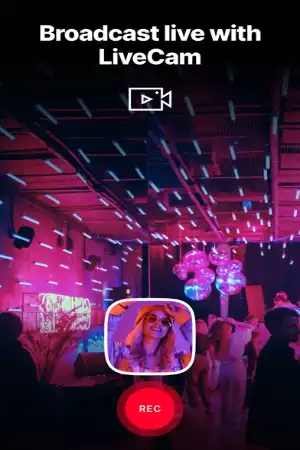
CutStory is not limited to editing existing videos. It also provides recording features, including Multicam recording, MusicCam, and a teleprompter. Multicam can record from front and rear cameras simultaneously, while MusicCam allows recording in sync with selected music.
Teleprompter
The built-in teleprompter lets creators write or paste a script and read it while recording. Font size and scrolling speed can be adjusted, while voice-based scrolling is available with the applicable Pro subscription.
Social Media Formatting
CutStory provides frame sizes and safe zones designed for different social platforms. This makes it easier to prepare videos for services such as Instagram Reels, Stories, YouTube Shorts, TikTok, WhatsApp, Telegram, and LinkedIn.
Backgrounds and Collage Tools
Users can fill video backgrounds with colors, gradients, images, or blur effects. The app also includes slideshow creation, PhotoGrid layouts, and photo/video collage tools.
Undo and Redo
Recent versions provide broader undo and redo support across editing elements such as video, music, backgrounds, stickers, and transitions, helping users recover from unwanted changes.
All Functions and How to Use CutStory
Import or Record a Video
Start by opening CutStory and choosing an existing video or recording new footage. Give the app the necessary Photos and camera permissions when requested.
Edit Your Video
Place your media on the timeline and use the editing controls to trim, split, merge, crop, rotate, zoom, duplicate, replace, or change playback speed.
Add Captions and Creative Elements
Generate subtitles from speech when needed. After generation, review the text and timing, then customize the appearance. You can also add music, voiceovers, text, stickers, filters, transitions, and additional video layers.
Create Social-Media Clips
For long recordings, select the desired platform or duration and let CutStory divide the video into shorter sections. You can then export the individual clips separately.
Export the Finished Video
CutStory supports export options including 720p, 1080p, and 4K, with supported frame-rate choices including 24, 30, and 60 FPS depending on the device and project.
Quick Cut from Photos
The Quick Cut function can be accessed through the Photos app’s Share menu, allowing you to send a video directly into CutStory for cutting without manually opening the editor first.
CutStory Pro Features
CutStory is free to download and offers in-app purchases. The official App Store listing states that CutStory Pro unlocks premium features and removes the watermark.
Because the title CutStory Video & Story Editor IPA does not itself specify MOD or Premium, this guide does not claim unofficial MOD features such as unlocked subscriptions or removed restrictions. For security and reliability, the official App Store version is the safer installation option.
Download and Install CutStory on iPhone and iPad
Official Installation
The recommended way to install CutStory is through Apple’s App Store.
- Open the App Store on your iPhone or iPad.
- Search for CutStory: Reels & Story Maker.
- Check that the developer is Highglossy FZE.
- Tap Get or the purchase/download button.
- Authenticate with Face ID, Touch ID, or your Apple Account password if requested.
- Wait for the installation to finish.
- Open CutStory and allow the permissions required for Photos, camera, microphone, or other features you want to use.
The current App Store listing identifies CutStory as compatible with iPhone and iPad.
Is CutStory Supported on the Latest iOS Versions?
Yes. The current App Store listing states that CutStory requires iOS 15 or later, so devices running supported newer iOS releases can install the current version. The listing also shows active recent updates, including version 8.6.0, indicating that the app continues to receive development and feature updates.
Compatibility can still depend on the specific iPhone or iPad model, available storage, and Apple’s current App Store requirements.
FAQs
Is CutStory free on iPhone?
CutStory is free to download, with optional in-app purchases and a Pro subscription for additional features.
Does CutStory work on iPad?
Yes. CutStory is designed for both iPhone and iPad.
Can CutStory split long videos?
Yes. It can divide long videos into shorter clips using social-network presets or custom durations.
Does CutStory automatically create subtitles?
Yes. Its AI caption feature can generate subtitles from speech and provides controls for editing their text, timing, appearance, and animation.
Can CutStory export videos in 4K?
Yes. The app supports 4K export along with 720p and 1080p options, subject to device and project capabilities.
Does CutStory remove the watermark?
CutStory Pro removes the watermark according to the official App Store description.
Can I add music to videos in CutStory?
Yes. You can add music, use audio files, record voiceovers, and control audio-track volume.
Does CutStory have a teleprompter?
Yes. The app includes a built-in teleprompter for recording videos while following a script.
What iOS version does CutStory require?
The current listing states that CutStory requires iOS 15 or later.
Conclusion
CutStory Video & Story Editor is an all-in-one iPhone and iPad video editing solution focused particularly on short-form and social-media content. Its combination of automatic splitting, multitrack editing, AI captions, AI-assisted editing, templates, transitions, picture-in-picture, music tools, teleprompter, Multicam recording, and flexible export options makes it suitable for creating different types of mobile video content. The app is actively updated and currently supports iOS 15 or later.
For users who want to edit, divide, caption, and prepare videos for social platforms directly on an iPhone or iPad, CutStory brings many commonly needed editing tools together in one application.


