
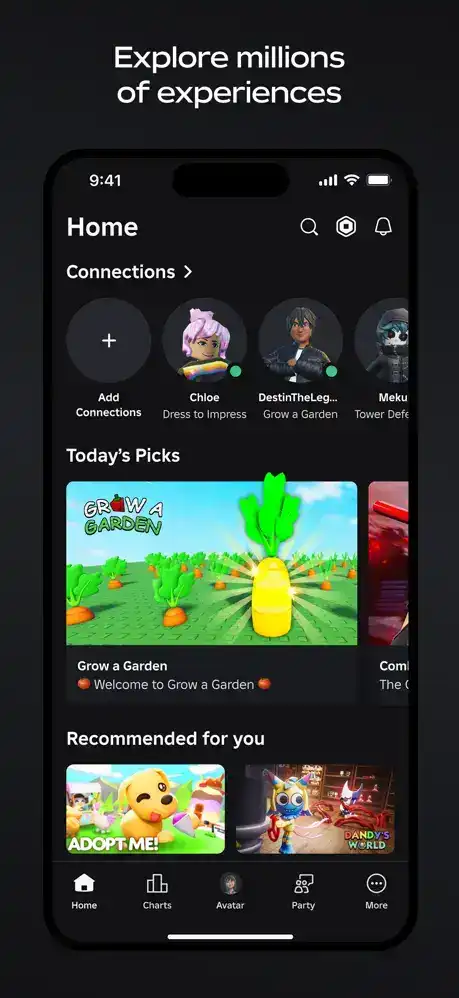

Roblox is one of the world’s most popular online gaming platforms, allowing players to enjoy millions of user-created experiences from a single app. Whether you enjoy action, adventure, role-playing, racing, simulation, horror, or social hangouts, Roblox offers something for every type of player.
Unlike traditional games, Roblox is a platform where developers create unique experiences using Roblox Studio. Players can join these experiences, customize their avatars, chat with friends, and explore an ever-growing library of games. The iOS version is optimized for iPhone and iPad, providing smooth touch controls and access to your Roblox account wherever you go.
How to Use Roblox on iPhone and iPad
Create or Sign In to Your Account
Download Roblox from the App Store, then create a free account or sign in with your existing credentials.
Customize Your Avatar
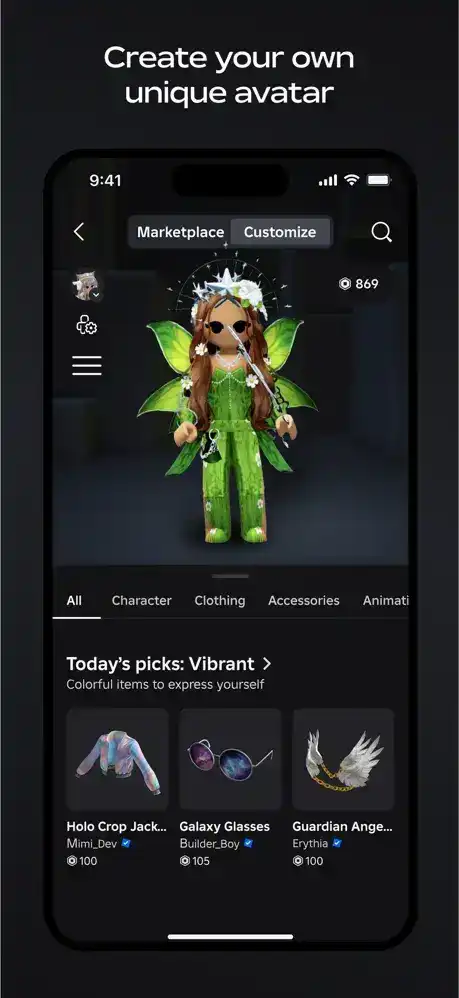
Visit the Avatar section to change your character’s appearance using free or purchased cosmetic items.
Explore Games
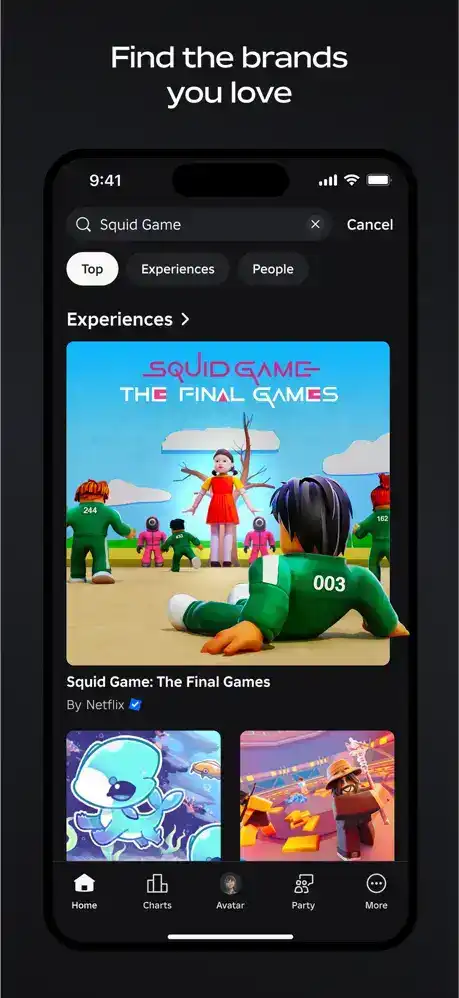
Use the search feature or browse categories to discover new experiences based on your interests.
Join Multiplayer Experiences
Tap any game to start playing. Many Roblox experiences support multiplayer gameplay with friends or other players worldwide.
Chat and Social Features
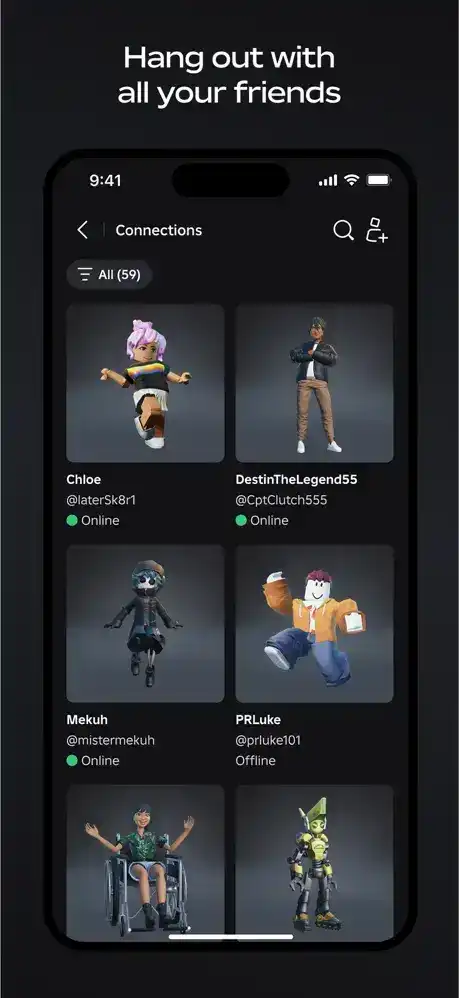
Add friends, join groups, and communicate using Roblox’s built-in social features while following community guidelines.
Functions and Features
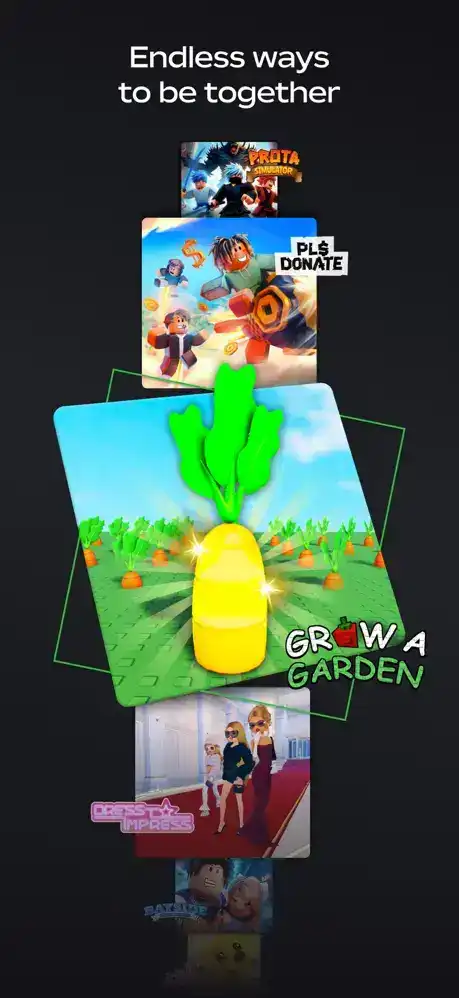
Massive Game Library
- Millions of user-created experiences
- Multiple genres
- Frequent updates
- New games added daily
Avatar Customization
- Change clothing
- Equip accessories
- Customize animations
- Personalize your appearance
Multiplayer Gaming
- Play with friends
- Join public servers
- Team-based gameplay
- Cross-platform multiplayer
Cross-Platform Support
Your Roblox account syncs across supported devices, allowing you to continue playing on iPhone, iPad, PC, Mac, Xbox, and other compatible platforms.
Secure Account Management
Roblox offers password protection, parental controls, account recovery options, and two-step verification for improved security.
Regular Content Updates
Developers constantly release new maps, events, challenges, and seasonal content, keeping the platform fresh and engaging.
Who Should Use Roblox?
Kids and Teen Players
Roblox provides thousands of age-appropriate experiences across different genres.
Casual Gamers
Perfect for players who enjoy trying different games without installing each one separately.
Creative Players
Those interested in designing worlds or learning game development can use Roblox Studio on a computer to create experiences.
Friends and Families
Roblox makes it easy to connect with friends and family members through multiplayer gameplay.
How to Install Roblox on iPhone and iPad
Step 1
Open the Apple App Store.
Step 2
Search for “Roblox.”
Step 3
Tap the official Roblox app.
Step 4
Download and install the application.
Step 5
Open Roblox, sign in, and begin exploring millions of experiences.
Supported iOS Versions
The latest official Roblox app supports many modern versions of iOS. For the best experience:
- Keep iOS updated.
- Use the latest Roblox app version.
- Ensure a stable internet connection.
- Maintain sufficient free storage space.
Frequently Asked Questions
Is Roblox free on iPhone?
Yes. Roblox is free to download and play, although optional in-app purchases are available.
Can I play with friends?
Yes. Roblox supports multiplayer gameplay and lets you invite or join friends in many experiences.
Does Roblox require an internet connection?
Yes. An internet connection is required for most Roblox experiences.
Can I use the same account on multiple devices?
Yes. Your progress, friends, and avatar sync when you sign in with the same Roblox account.
Is Roblox safe for children?
Roblox includes parental controls, privacy settings, and content moderation. Parents should review and configure these settings for younger players.
Does Roblox support the latest iOS versions?
Yes. The official app is regularly updated to improve compatibility with supported iOS releases.
Conclusion
Roblox for iOS offers an exciting platform where millions of players can discover, create, and share unique gaming experiences. With a huge variety of genres, cross-platform play, avatar customization, and regular updates, it remains one of the most versatile gaming platforms available. Whether you’re exploring new adventures, connecting with friends, or enjoying community-created content, Roblox provides endless entertainment on your iPhone or iPad.