
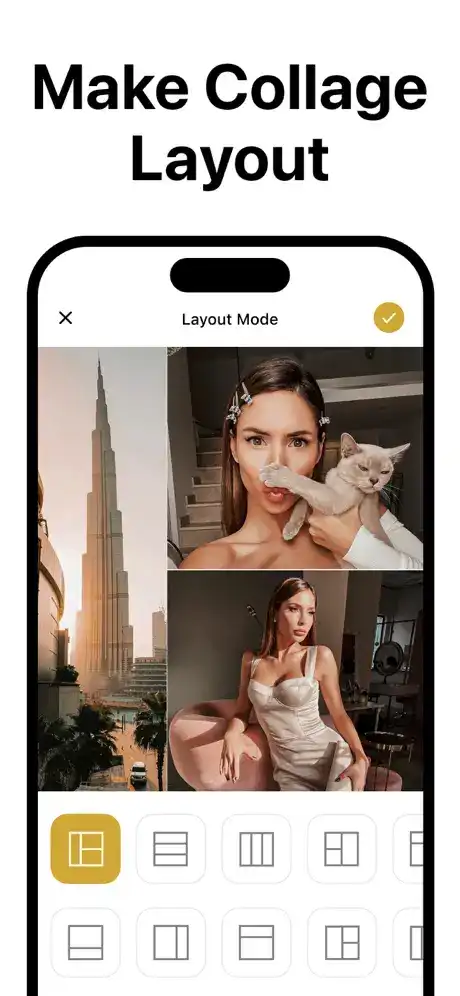
Layout for Instagram・Inpreview is an Instagram feed planning and photo organization app designed for users who want to create a visually consistent profile before publishing content. Instead of uploading photos immediately and hoping they look good together, Inpreview lets you arrange upcoming posts, preview your grid, experiment with filters, and organize your content in advance.
The app focuses on Instagram creators, influencers, photographers, businesses, and everyday users who care about maintaining an attractive profile. It can sync an Instagram feed, organize images, preview highlights, generate AI-assisted captions and hashtags, and schedule posts through its available features.
All Functions and Features of Inpreview
Instagram Grid Planning
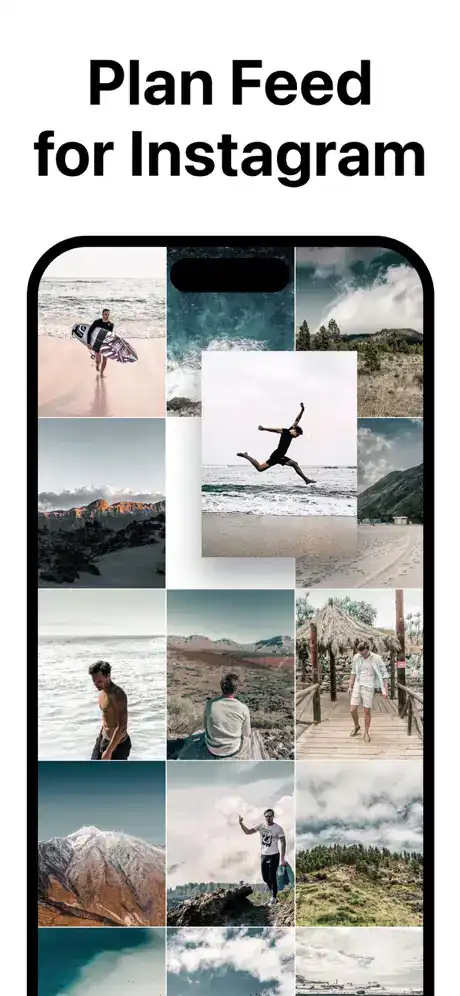
The main purpose of Inpreview is to help users plan how their Instagram profile will look before publishing new content. You can add images to a visual grid and rearrange them until the overall layout feels balanced.
This is particularly useful when you follow a specific color pattern, alternating photo style, or carefully designed visual theme. You can experiment with different arrangements without changing your actual Instagram profile.
Preview Your Instagram Feed
Inpreview provides a preview environment where you can see how planned images may appear together on your Instagram feed. This helps eliminate the guesswork involved in deciding which photo should be posted next.
You can move images around and test different combinations before making them public.
Instagram Highlights Preview
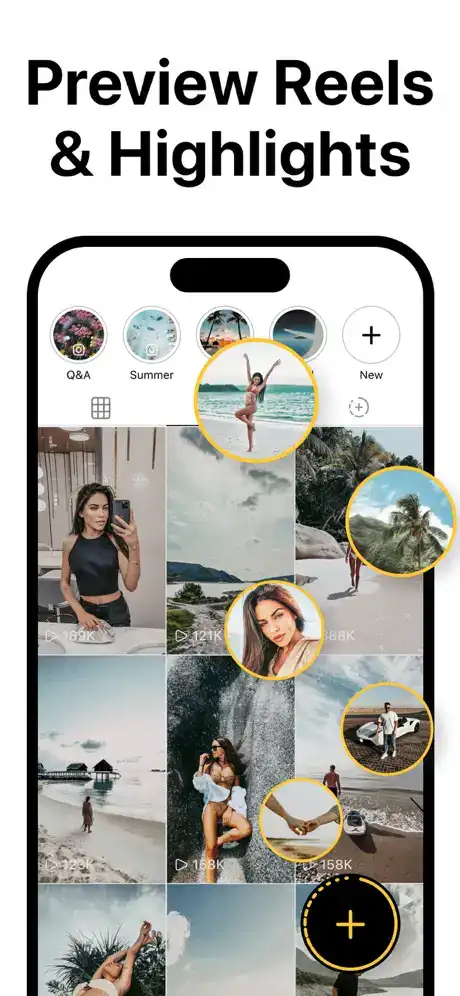
One of the newer features is Highlights Preview. Users can plan their Instagram Highlights alongside their feed and arrange them in the desired order.
This can help create a more organized profile, especially for creators and businesses that use Highlights for categories such as products, travel, FAQs, services, or personal updates.
AI-Generated Captions and Hashtags
Inpreview also offers AI-assisted content tools that can generate captions and hashtags. Instead of starting every post description from scratch, users can use these tools to quickly develop content ideas.
This can be especially helpful when managing several posts and trying to maintain a consistent posting workflow.
Rearrange and Delete Images
The grid can be customized by moving images into different positions or removing images that no longer fit your planned design.
This gives users flexibility while developing a feed, allowing them to test multiple layouts before deciding on a final arrangement.
Hide and Unhide Published Posts
Inpreview includes options for hiding and unhiding existing Instagram images within the planning view. This lets you temporarily remove posts from the preview to see how your profile might look without particular images.
The feature can be useful when experimenting with future feed designs.
Filters and Visual Editing
The app includes a collection of filters for experimenting with the appearance of images and creating a more consistent visual style.
You can use filters as part of the planning process to determine whether photographs complement each other before posting them.
Captions and Post Scheduling
Users can add captions to planned posts and schedule content through the app’s supported scheduling features. This makes Inpreview more than just a visual grid tool because it can also help with content organization.
Scheduling is particularly useful for people who prepare several posts in advance.
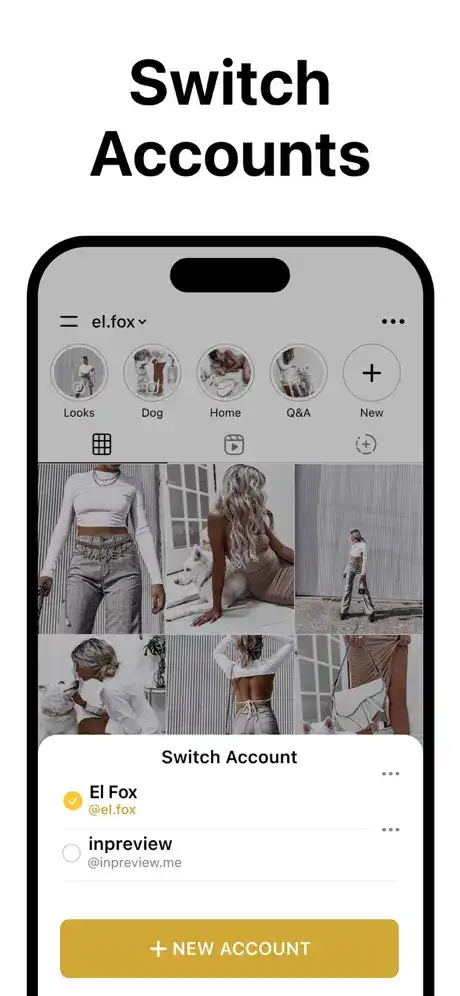
Multiple Instagram Accounts
Premium functionality allows users to work with multiple Instagram accounts. This is useful for social media managers, businesses, creators, or people who maintain separate personal and professional profiles.
Automatic Draft Saving
Your planning work can be saved automatically while you create your feed. The app also provides a Revert Feed option, allowing users to reset their planning changes when necessary.
Dark Mode and Export Tools
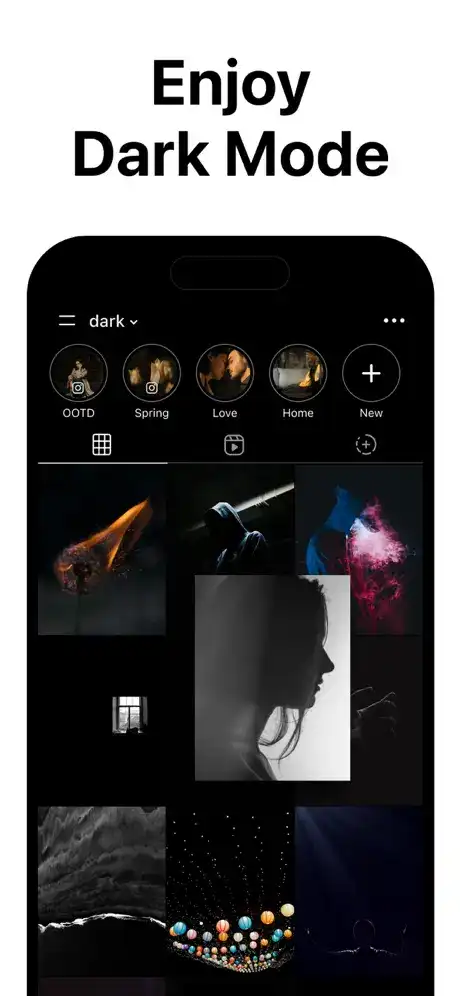
Inpreview supports Dark Mode and allows users to save their created feed to the Camera Roll. Planned images can also be exported directly toward Instagram, making the transition from planning to publishing more convenient.
Premium Features and Subscription
The title does not specifically advertise a MOD or Premium IPA, so there is no reason to claim that a modified version has Premium unlocked. The official application itself does offer Premium subscriptions.
The free plan provides basic functionality, including one Instagram account, hiding posted images, and exporting new images directly to Instagram. Premium adds features such as multiple accounts, hiding/unhiding posts, scheduling, captions, ad removal, additional filters, and access to newer features.
The App Store currently lists several Inpreview PRO subscription options, including weekly, monthly, and yearly plans.
Users should be cautious with unofficial IPA files claiming to unlock paid features, since modified applications may not be trustworthy or supported by the developer.
How to Install Layout for Instagram・Inpreview on iPhone and iPad
Official Installation on iPhone
The safest method is to install Inpreview through Apple’s App Store. Open the App Store, search for Layout for Instagram・Inpreview, check that the developer is Onelight Apps CY Ltd, and tap Get to begin installation.
After installation, open the application and configure your Instagram planning preferences.
Installing on iPad
The current App Store listing identifies the app as iPhone-only, so compatibility should be checked directly on your device before attempting installation.
If an iPad does not support the listed app configuration, users should avoid downloading unofficial IPA packages simply to bypass Apple’s compatibility requirements.
Is Inpreview Supported on the Latest iOS Versions?
The current App Store listing states that Layout for Instagram・Inpreview requires iOS 16.0 or later. Version 7.0.1 is listed with performance and stability improvements.
Therefore, devices running iOS 16 or newer meet the stated minimum requirement. For newer iOS releases, compatibility can depend on the device and the current version distributed through the App Store, so keeping the application updated is recommended.
Frequently Asked Questions
What is Layout for Instagram・Inpreview?
It is a Photo & Video app designed to plan Instagram feeds, arrange posts, preview layouts, organize Highlights, and prepare content before publishing.
Is Inpreview free on iPhone?
Yes. The app is listed as free with in-app purchases, although several advanced features require a Premium subscription.
Does Inpreview support multiple Instagram accounts?
Yes, multiple-account support is included among the Premium features.
Can Inpreview schedule Instagram posts?
Yes. Post scheduling is one of the features advertised by the developer, with scheduling included in Premium functionality.
Does Inpreview have AI captions?
Yes. The app advertises AI-generated hashtags and captions for Instagram content.
What iOS version does Inpreview require?
The current listing requires iOS 16.0 or later.
What category is Inpreview?
Inpreview is listed in Apple’s Photo & Video category.
Conclusion
Layout for Instagram・Inpreview is a useful planning tool for anyone who wants greater control over the appearance and organization of an Instagram profile. Its combination of grid planning, Highlights Preview, filters, AI-assisted captions and hashtags, post organization, scheduling, multiple-account support, and export tools makes it suitable for both casual creators and more serious social media users.
The free version provides a starting point, while Premium expands the application’s planning and publishing capabilities. Since the official App Store listing currently requires iOS 16.0 or later, users should check their device compatibility and use the official distribution channel for the safest installation experience.